


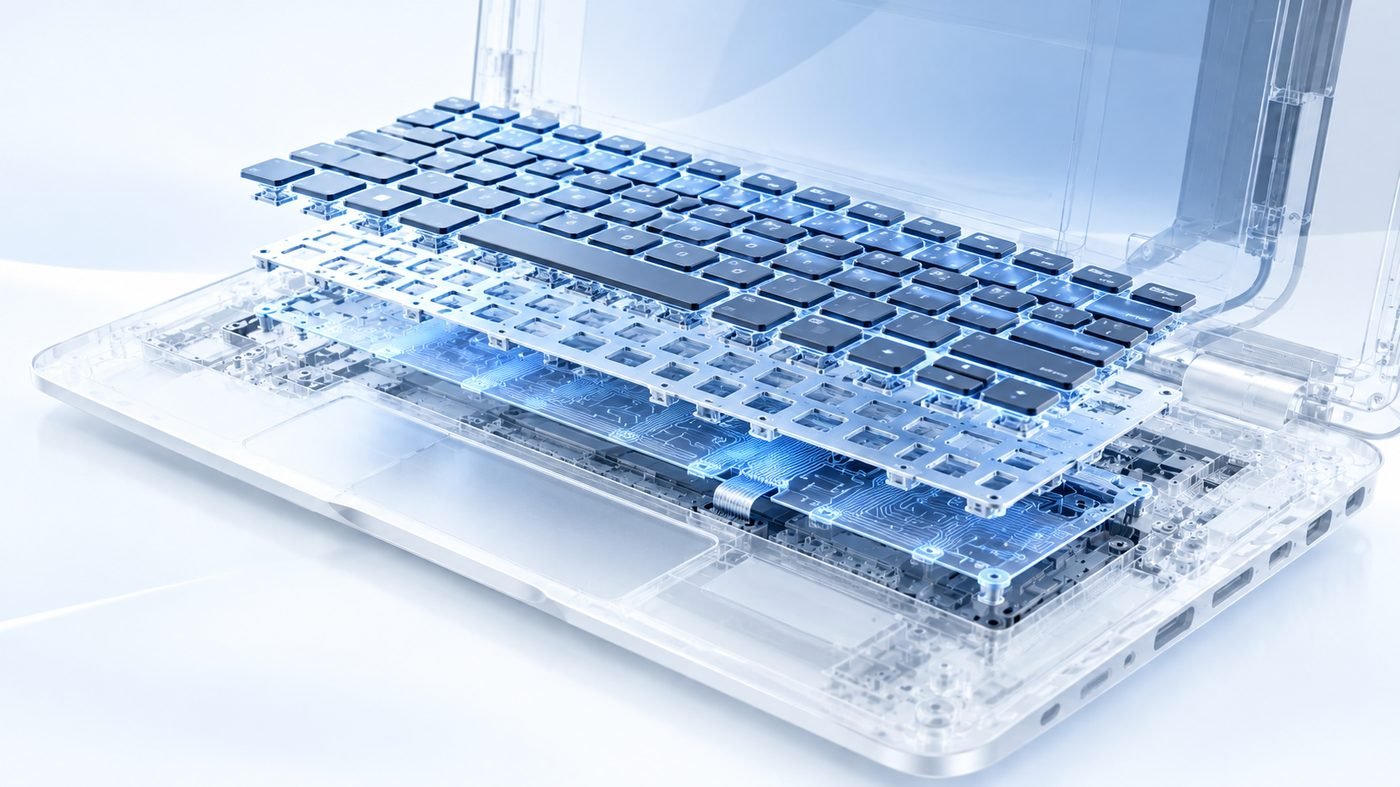

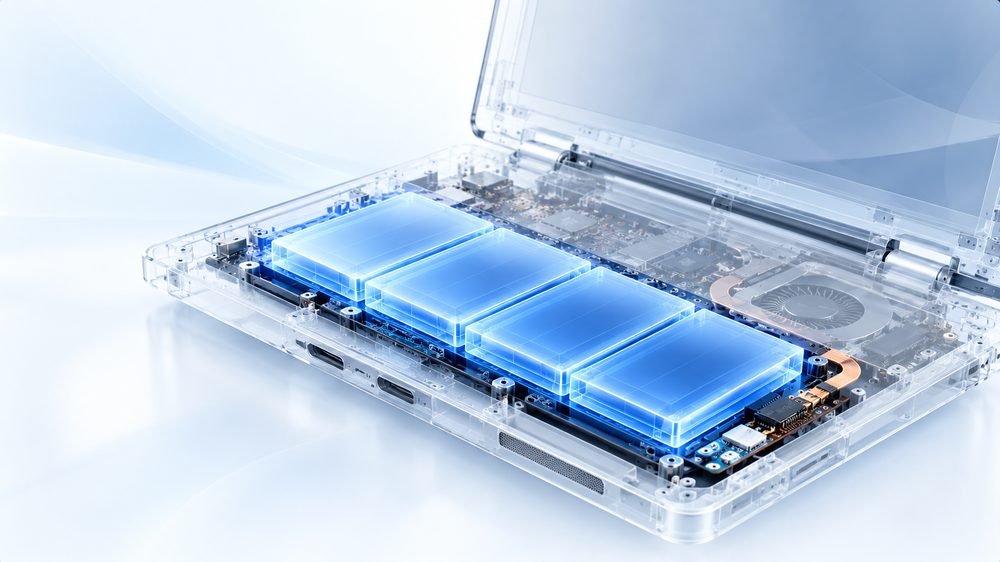



Cooling service and deep cleaning
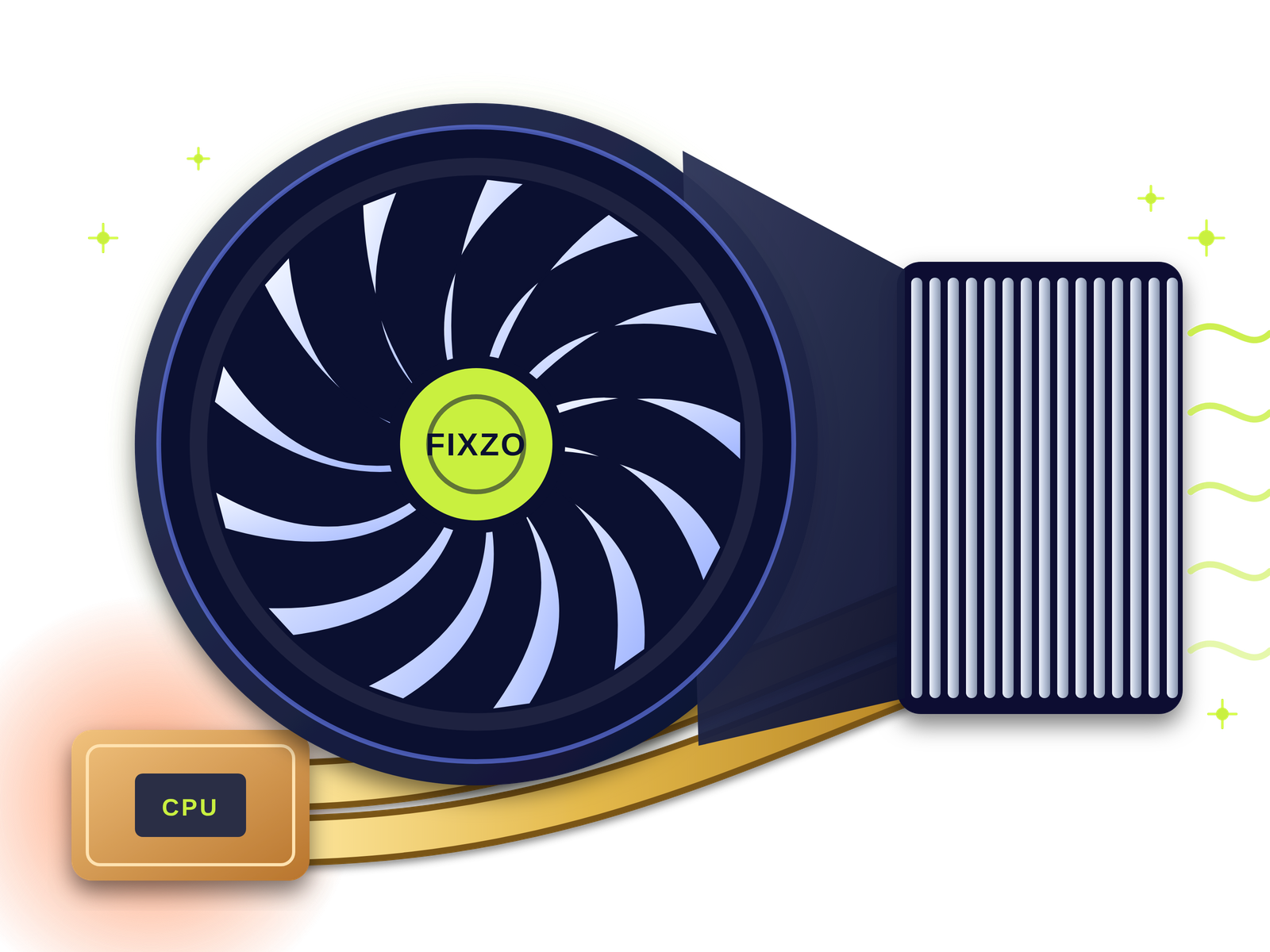
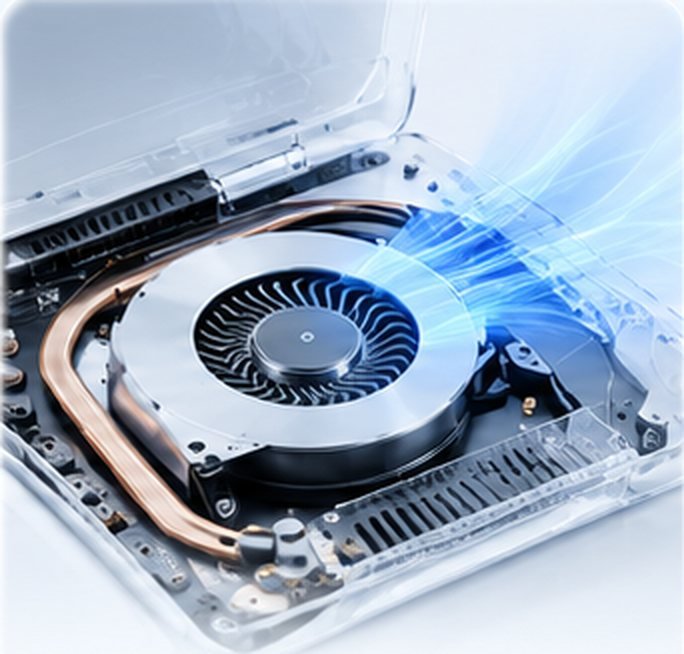
Fan, vents and heatsink fins cleaned of dust so air can flow properly again.

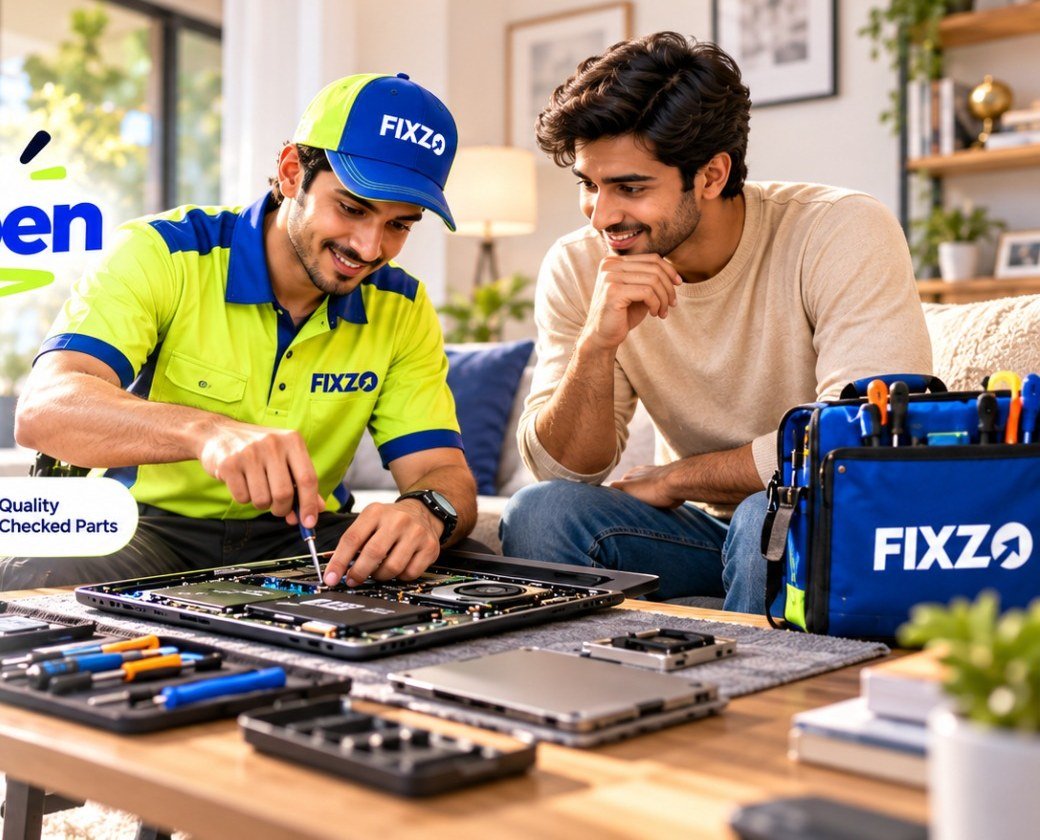
Cool, quiet, fast. Fixed at home. Guaranteed.
Laptop running hot, fan noisy or shutting down by itself? Our engineers clean the fan and vents, replace dried thermal paste and fix faulty fans at your door, with a 3-month warranty.
Tick what you notice. Three or more usually point to a cooling problem.
Pick the symptoms that match and we will say what they typically mean.
Switch it off, unplug it and let it cool on a hard, flat surface. Do not keep using it. Book a visit and we will check it safely.
Knowing why laptops run hot helps you protect yours, and helps us fix the real cause.
From dusty vents to dead fans and gaming-laptop cooling, here is what our engineers fix.
Fan, vents and heatsink fins cleaned of dust so air can flow properly again.
Old, dried paste removed and fresh paste applied to bring temperatures down.
Worn, noisy or dead fans replaced with the right fan for your model.
Grinding, buzzing and rattling traced to dust, loose parts or worn bearings.
Fan, connector, sensor and board checked to find why it is not turning.
The heatsink cleaned and refitted with even pressure for better contact.
Worn pads on memory and power parts replaced, common on gaming laptops.
Multi-fan gaming laptops opened, cleaned and repasted properly.
Clogged vents and air ducts cleared so hot air can leave the laptop.
Shutdowns and restarts under load traced to the real heat source.
Fan error messages caused by loose connectors or faulty temperature sensors.
Fan-control and thermal-protection faults on the board repaired at chip level.
Think of these as general patterns. A quick visit finds the exact cause.
| What you see | What it usually means |
|---|---|
| Loud fan on simple tasks | Dust build-up or an ageing fan. |
| Fan not spinning | A dead fan, a loose connector or a fan-control fault on the board. |
| Weak air from the vents | Heatsink fins clogged with dust. |
| Shuts down when hot | The laptop is protecting itself from overheating. Dust or dried thermal paste is common. |
| Slows down when hot | Thermal throttling: the chip lowers its speed to stay cool. |
| Grinding or rattling noise | Worn fan bearings or something loose inside. |
| “CPU fan error” at start-up | A failing or disconnected fan, or a faulty fan sensor. |
A cooling pad can help a little. Here is how it compares with fixing the cooling inside the laptop.
| Cooling service (QUICKZY) | Only a cooling pad | |
|---|---|---|
| Cost | One-time service cost for a lasting improvement. | Cheap to buy, but the cause stays inside. |
| Fixes the cause | Yes: dust, old paste and worn fans are dealt with. | No: dust and dry paste are still there. |
| Noise | Usually a quieter fan once the laptop runs cooler. | The pad has its own fans, so more noise. |
| Performance | Lower temperatures can reduce slowdowns. | A small drop in temperature at best. |
| Warranty | 3-month warranty on parts and labour. | Warranty only on the pad. |
Book a visit for the fixed ₹199 visiting charge. A verified engineer shows up in around 30 minutes and checks temperatures, the fan, the vents and the heatsink.
You get an itemised quote in the app, whether it is a cleaning and repaste or a new fan. Nothing starts until you approve.
The engineer cleans the fan and vents, replaces the thermal paste and fits a new fan if needed, in front of you.
We check temperatures, fan speed and noise with you. You pay after the test and a 3-month warranty card is saved in the app.
Prices below are starting prices for Pune. You approve the itemised quote before any work begins.
Temperatures, fan, vents and heatsink checked.
Only the ₹199 visiting charge is fixed. Repair prices are starting prices, because they depend on your laptop model and the fault.
Browse by category. Every service is priced the same way: a fixed visiting charge, then a clear quote with starting prices.
Verified field engineers, a chip-level lab and a care desk work as one team, so an overheating or fan fault is diagnosed at your door and fixed fast, with every step explained.
The starting prices are above. Six things shape the quote you receive.
Searching for a laptop overheating fix in Pune, a laptop fan repair near me or a laptop cooling service? QUICKZY brings the repair to your doorstep. A verified engineer checks the temperatures, fan, vents and heatsink at your home or office, then cleans, repastes or replaces only what is needed.
An overheating problem can look like a laptop that gets very hot, a loud or grinding fan, a fan that does not spin, a laptop that slows down or shuts off under load, or a “CPU fan error” message. Because the cause can be dust, dried thermal paste, a worn fan or a board-level fan-control fault, a short diagnosis first means you only pay for what is really needed.
We repair HP, Dell, Lenovo, Asus, Acer, MSI, Samsung and Apple MacBook laptops, including gaming laptops with multiple fans. Every repair is explained in plain words, priced upfront and covered by a 3-month warranty. More cities across India are coming, one after another.
As an independent repair service, QUICKZY is unaffiliated with laptop brands. Names are used to identify devices only.
What people ask us about most, brand by brand. QUICKZY works independently of all brands.
| Brand | Popular series | Commonly asked faults |
|---|---|---|
| HP | Victus, ProBook, Pavilion, Omen, Envy | Overheating, loud fan, throttling during use |
| Dell | Vostro, XPS, Inspiron, G-series, Latitude | Loud fan, overheating shutdowns, dust build-up |
| Lenovo | Yoga, Legion, ThinkPad, IdeaPad | Hot base, fan noise, gaming throttling |
| Asus | ROG, TUF, ZenBook, VivoBook | Gaming heat, loud fans, thermal paste ageing |
| Acer | Predator, Nitro, Swift, Aspire | Overheating, fan noise, throttling |
| MSI | Raider, Thin, Katana, Modern | Gaming heat, thermal pads, fan faults |
| Apple | MacBook Air, MacBook Pro | Fan noise and heat, dust build-up (quote after check) |
| Samsung and others | Galaxy Book and more | Overheating, loud fan, slowdowns when hot |
Plain explanations of the terms you will hear during a repair.
Live today: Wagholi, Hinjewadi, Pashan, Balewadi, Sinhagad Road, Akurdi, Hadapsar, Wakad, Baner, Koregaon Park, Viman Nagar, Kothrud, Nigdi, Chinchwad, Bavdhan, Shivaji Nagar, Aundh, Undri, Kharadi, Pimple Saudagar, Magarpatta, Sus, Deccan, Karve Nagar, Kondhwa, Warje, Pimpri-Chinchwad and almost entire Pune.
Coming soon: Mumbai, Navi Mumbai, Thane, Nashik, Nagpur, Delhi NCR, Bengaluru, Hyderabad, Chennai, Kolkata and more. Join the waitlist.
We come to your door. Here is who we usually serve across Pune and PCMC.

Answers about laptop overheating, fan noise, prices and timelines.
View all FAQsThe most common reasons are dust clogging the fan and vents, dried thermal paste, a worn fan, blocked airflow or heavy workloads. A short check finds which one applies to your laptop.
QUICKZY cooling and fan service starts from ₹499, after the fixed ₹199 visiting charge. The exact price depends on your model, whether the fan needs replacing and whether pads are needed, and you approve the quote first.
Yes. In most cases the engineer opens the laptop at your home or office, cleans the fan, vents and heatsink and replaces the thermal paste in front of you.
It depends on use and surroundings, but many laptops benefit from an internal clean every one to two years, and sooner if you game, work on soft surfaces or live in a dusty area.
A loud fan usually means the laptop is struggling to stay cool because of dust, old thermal paste or a worn fan. Cleaning and repasting often brings the noise down.
It can be, because the laptop may overheat and shut down. Stop heavy use and book a check. The fan, its connector or the fan control may be at fault.
Thermal paste helps heat move from the chip to the heatsink. It dries out over time, so it is worth replacing during a cleaning, or earlier if your laptop runs hot or throttles.
If the laptop was slowing down because it was too hot, lower temperatures can reduce throttling and bring back speed. It will not make a healthy laptop faster than its design.
Yes, a cooling pad can help as an extra. It does not fix dust or dry thermal paste, so it works best together with a proper cleaning.
Long-term heat can wear out the battery and other parts and can lead to shutdowns. Fixing the cooling early is cheaper than fixing the damage later.
Yes. Many background programs, browser tabs or unwanted software can keep the chip busy and hot. A check looks at both the hardware and what is running.
Yes. Gaming laptops often have several fans and thermal pads, and we clean, repaste and replace pads or fans as needed.
No. Cleaning and fan repairs never touch your files, because the storage drive is left as it is.
Yes. Repairs carry a 3-month warranty on parts and labour, saved as a warranty card you can open in the QUICKZY app and listed on your invoice.
Yes, MacBook cleaning and fan repair is available as a diagnosis-led service. The price depends on the model, so we quote after checking.
Yes. QUICKZY engineers visit Kothrud, Baner, Aundh, Hadapsar, Viman Nagar, Kharadi, Wakad, Hinjewadi and almost entire Pune and Pimpri-Chinchwad. More cities are coming soon.
More than
Customers served
Skip the commute. Get professional repair
at home or at work.
Book in seconds, track your engineer live and approve estimates from your phone.
Pick the device. We'll send an engineer who specialises in it.
No match. Pick Not sure and the engineer will diagnose it.