





RAM upgrade
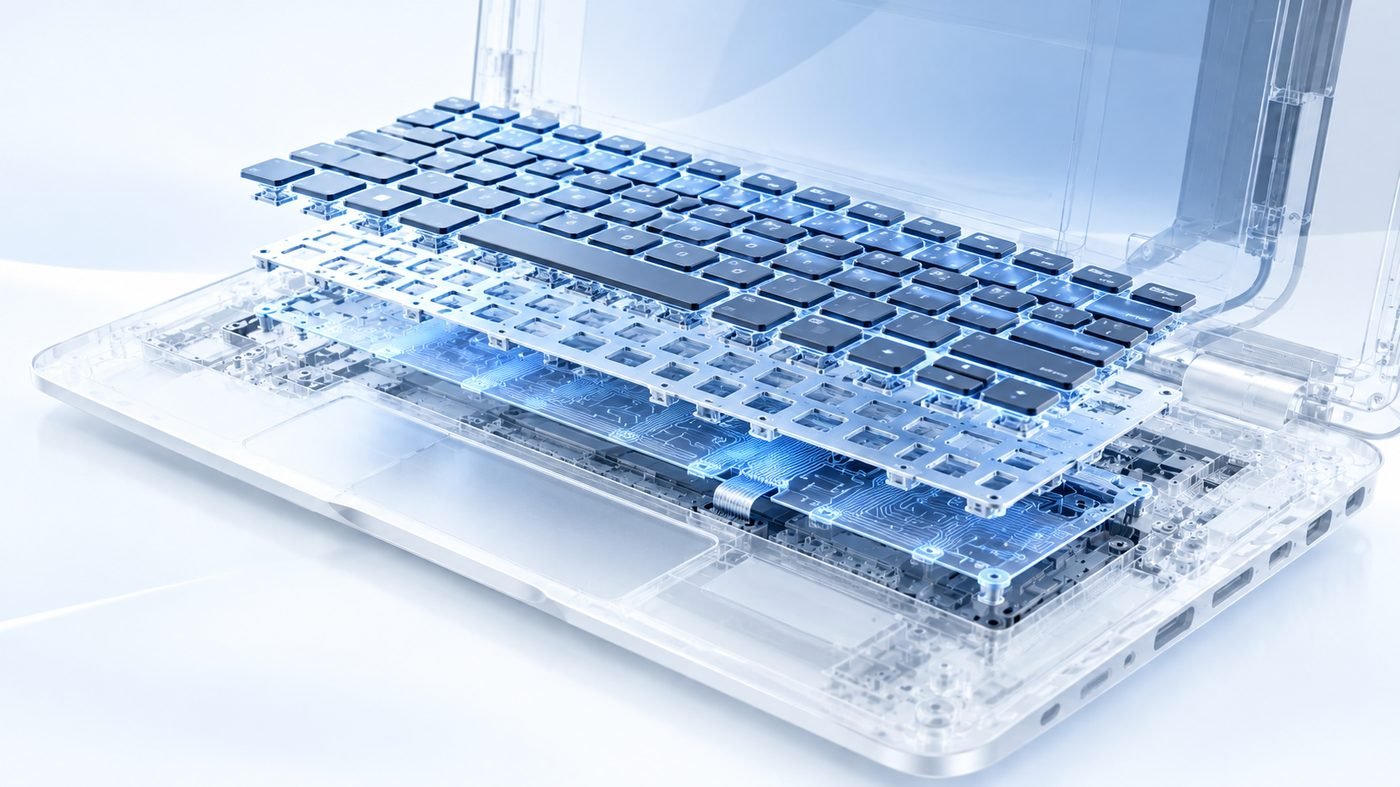
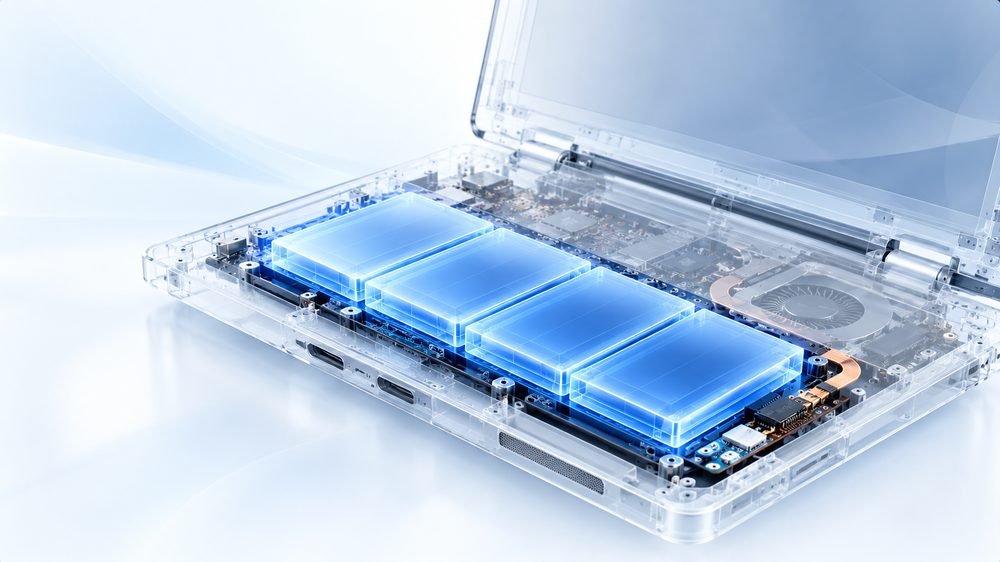
More memory added or swapped for the right type and speed for your laptop.

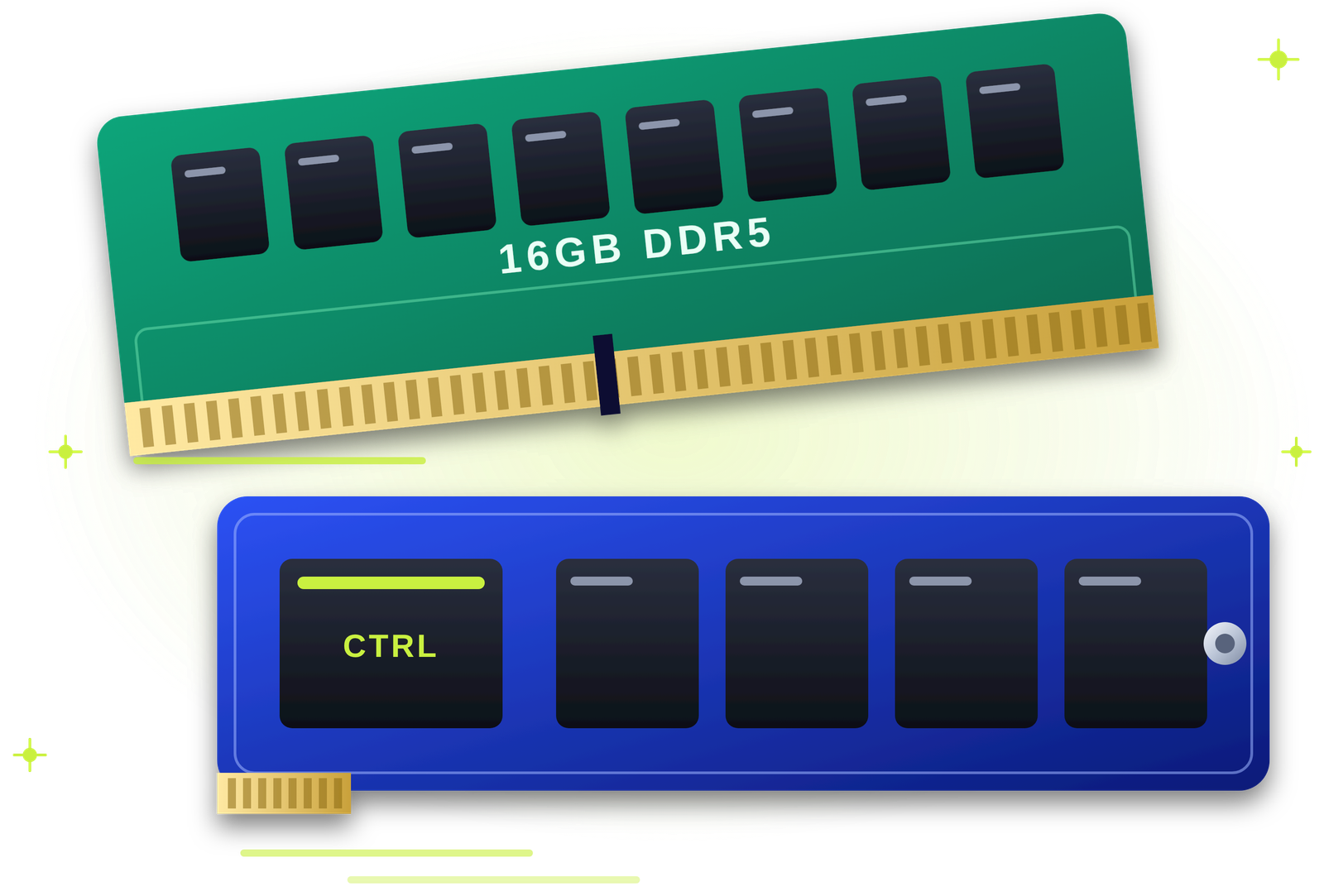
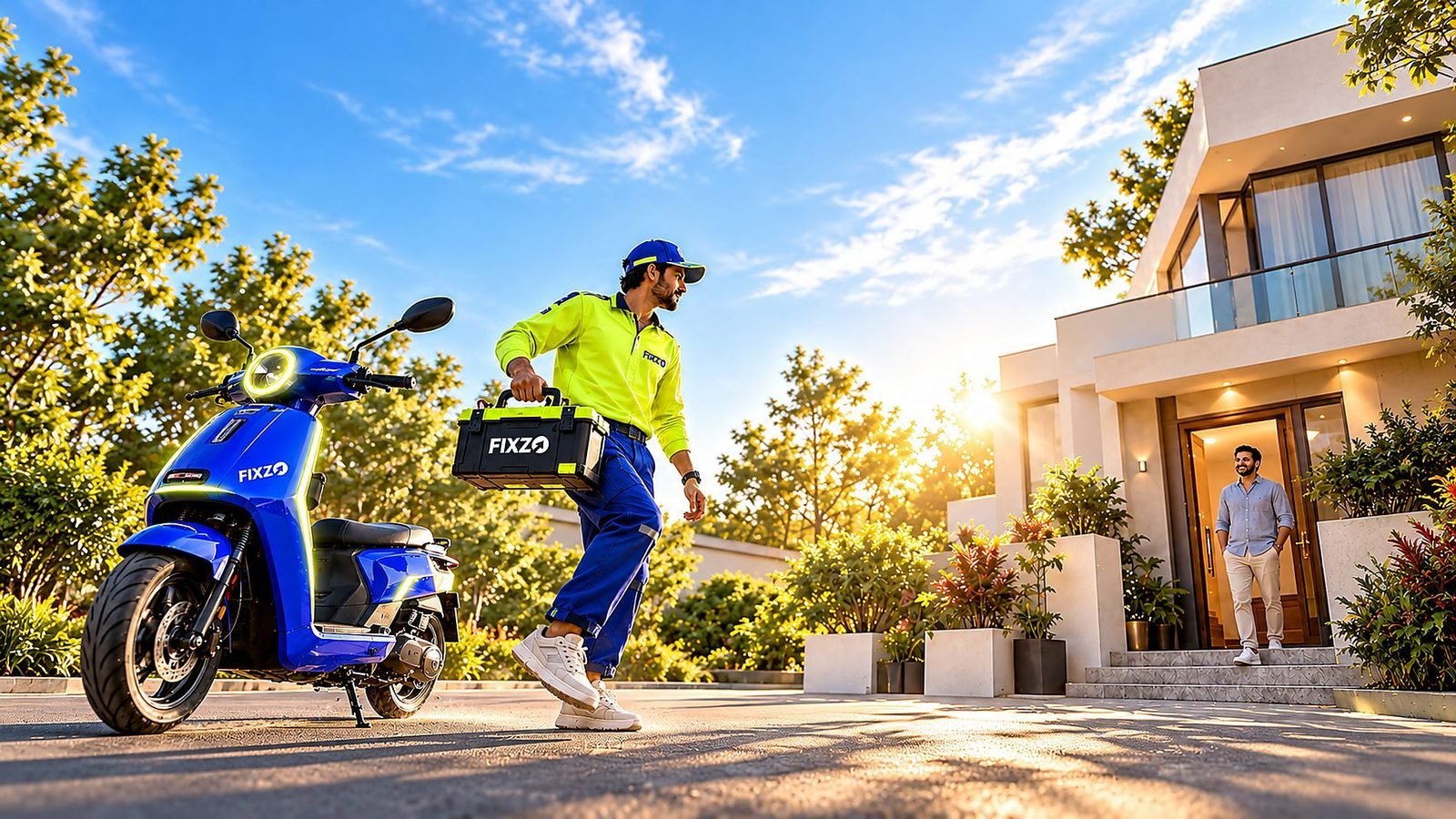
Faster in an hour. Data safe. Guaranteed.
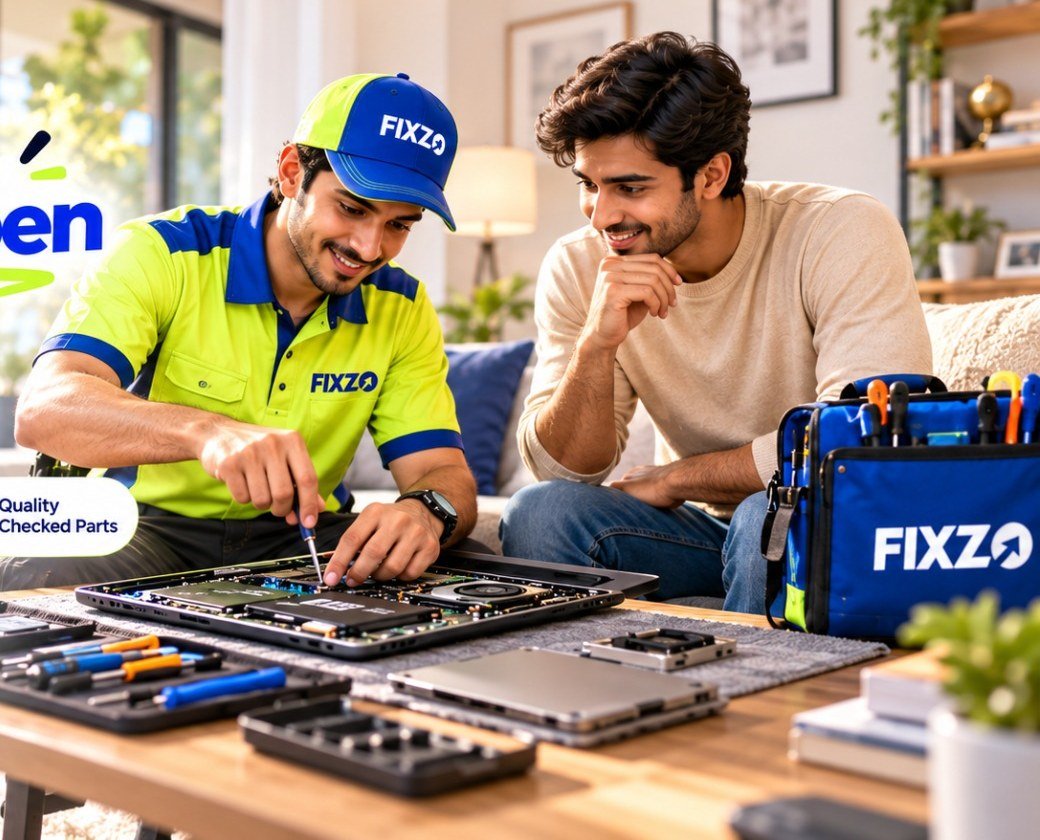
Slow start-up, freezing apps or a full drive? Our engineers upgrade your laptop's RAM and SSD at your door, move your data across without a reinstall, and back it with a 3-month warranty.
Tick what you notice. Three or more usually mean an upgrade will make a real difference.
Choose the signs you notice and we will tell you what they usually indicate.
A clicking or failing hard drive can lose your files. Stop heavy use, avoid restarting again and again, and book a visit so we can protect your data first.
Knowing why a laptop slows down helps you choose the right upgrade, and helps us fix the real bottleneck.
From extra RAM to a fast NVMe drive and data migration, here is what our engineers do.
More memory added or swapped for the right type and speed for your laptop.
Failing memory modules replaced so crashes and blue screens stop.
A fast SATA solid-state drive fitted in place of a slow hard disk.
A modern NVMe drive fitted where your laptop supports it for the biggest speed jump.
Old hard disks replaced with an SSD for much quicker start-up and loading.
Your files, apps and settings cloned across to the new drive.
Extra SSD added in a free slot for more space, where the laptop allows it.
A clean install with drivers when you want a fresh start.
DDR type, speed, capacity and slot limits checked before anything is bought.
SMART and surface checks that show how long your current drive may last.
Damaged or dead RAM and SSD slots repaired so the new part is detected.
If your RAM is soldered to the board, we tell you honestly what can and cannot be upgraded.
These are common patterns only. A short visit at your door confirms the exact cause.
| What you see | What it usually means |
|---|---|
| Slow start-up with disk at 100 percent | Usually an old hard disk or a full drive. An SSD upgrade is the most effective fix. |
| Freezes with many tabs open | The laptop does not have enough RAM for what you are doing. |
| Clicking or grinding from the drive | A failing hard disk. Back up your files now and avoid restarting repeatedly. |
| Beeps or no start after a RAM change | The module may be unseated or not compatible with the laptop. |
| “Storage full” warnings | A bigger drive or a second drive is needed, or the drive needs a clean-up. |
| Blue screens and random restarts | Faulty RAM or a failing drive. A test tells which one. |
| Only part of the installed RAM is detected | A slot problem, a module issue or a limit set by the laptop. |
If the processor is still fine, an upgrade is usually the smarter choice. Here is how they compare.
| RAM and SSD upgrade (QUICKZY) | Buying a new laptop | |
|---|---|---|
| Cost | A fraction of a new laptop: you pay for the parts and fitting. | The full price of a new machine. |
| Speed gain | Noticeably quicker start-up and app loading. | Fastest, but at the highest cost. |
| Your files and setup | Moved across by cloning, so nothing is lost. | You migrate everything yourself. |
| Time | Usually under an hour once parts are available. | Shopping, setup and transfer. |
| Warranty | 3-month warranty on parts and labour. | Manufacturer warranty on the new device. |
Pay the fixed ₹199 visiting charge. A verified engineer arrives in about 30 minutes and checks your RAM, drive, slots and health.
You see an itemised quote that lists the parts, capacity and labour, matched to your model. Nothing starts until you approve.
The engineer fits the RAM or SSD in front of you and clones your drive so your files and apps stay put.
We test start-up speed, memory and the drive with you. You pay after the test and a 3-month warranty card is saved in the app.
These are starting prices in Pune. Your itemised quote needs your approval before work starts.
The engineer visits and checks your RAM, drive and slots. This is the only fixed price.
Only the ₹199 visiting charge is fixed. Repair prices are starting prices, because they depend on your laptop model and the fault.
Browse by category. Every service is priced the same way: a fixed visiting charge, then a clear quote with starting prices.
Verified field engineers, a chip-level lab and a care desk work as one team, so a slow laptop is diagnosed at your door and upgraded fast, with every step explained.
These are the six factors behind your quote, on top of the starting prices above.
Looking for a laptop RAM upgrade in Pune, a laptop SSD upgrade near me or a way to speed up a slow laptop? QUICKZY brings the upgrade to your doorstep. A verified engineer checks your laptop's memory, drive and slots at your home or office and fits the right parts in front of you.
A slow laptop can mean slow start-up, apps that take ages to open, freezing with a few tabs, a full drive or a noisy hard disk. The fix depends on the cause: an SSD upgrade for a slow drive, more RAM for memory-hungry work, or both. A short check first means you pay only for what helps.
We upgrade HP, Dell, Lenovo, Asus, Acer, MSI, Samsung and compatible Apple laptops, including gaming laptops. Every job is explained in plain words, quoted before work starts and covered by a 3-month warranty, as we expand across India city by city.
QUICKZY is an independent service and is not linked to any laptop brand. The names are used purely to identify devices.
Plain answers on which upgrade helps most, what fits your laptop and how your data stays safe.
If your laptop still uses a hard disk, start with an SSD. It cuts start-up, shutdown and app-loading times dramatically. If you already have an SSD but the laptop slows down with many tabs and apps, add RAM. A short check at your door shows which bottleneck you have, so you do not pay for the wrong upgrade.
Laptops are picky. Memory comes in different generations, speeds and sizes, and drives come in different shapes and connections. Some laptops have soldered RAM, a single drive slot or limits on how much memory they accept. We check these details for your exact model before buying parts.
With an SSD upgrade, cloning copies your current drive to the new one, so your files, apps and settings come across. We test the new drive before you pay. If you would rather start fresh, a clean Windows install with drivers is also possible.
After an upgrade, keep Windows and drivers updated, avoid filling the SSD to the brim and trim start-up programs. A faster drive and more memory make an older laptop feel new, but a very old processor still sets the ceiling, and we will tell you honestly when an upgrade is not worth it.
Frequently raised faults for each brand. QUICKZY is independent and not affiliated with them.
| Brand | Popular series | Commonly asked faults |
|---|---|---|
| HP | Envy, Omen, ProBook, Victus, Pavilion | RAM upgrades, HDD to SSD, NVMe upgrades |
| Dell | Latitude, G-series, XPS, Vostro, Inspiron | RAM upgrades, SSD swaps, second-drive options |
| Lenovo | Yoga, Legion, ThinkPad, IdeaPad | RAM upgrades, SSD upgrades, memory limits |
| Asus | ROG, TUF, ZenBook, VivoBook | RAM upgrades, NVMe upgrades, second-slot checks |
| Acer | Predator, Nitro, Swift, Aspire | HDD to SSD, RAM upgrades, extra storage |
| MSI | Raider, Thin, Katana, Modern | NVMe upgrades, RAM upgrades, dual-drive setups |
| Apple | MacBook Air, MacBook Pro | Storage and memory options vary by model (quote after check) |
| Samsung and others | Galaxy Book and more | RAM and SSD upgrades where the laptop allows |
The jargon, translated into simple words.
Live today: Karve Nagar, Warje, Bavdhan, Magarpatta, Wagholi, Viman Nagar, Sus, Kharadi, Chinchwad, Akurdi, Shivaji Nagar, Hadapsar, Aundh, Pimple Saudagar, Kothrud, Wakad, Pimpri-Chinchwad, Pashan, Baner, Balewadi, Undri, Kondhwa, Koregaon Park, Hinjewadi, Deccan, Sinhagad Road, Nigdi and almost entire Pune.
Coming soon: Mumbai, Navi Mumbai, Thane, Nashik, Nagpur, Delhi NCR, Bengaluru, Hyderabad, Chennai, Kolkata and more. Join the waitlist.
Our engineers travel to you. Here are the kinds of customers we usually meet across Pune and PCMC.

Answers about laptop RAM and SSD upgrades, prices and timelines.
View all FAQsUsually yes. An SSD makes start-up and app loading far quicker, and extra RAM helps when you run many apps or tabs. A quick check shows which one will help your laptop most.
QUICKZY RAM and SSD upgrades start from ₹1,299 after the fixed ₹199 visiting charge. The price depends on the capacity and type you choose and your laptop model, and you approve the quote first.
In most laptops, yes. Some thin models have soldered memory that cannot be upgraded. We check your model first and tell you honestly what is possible.
If you still have a hard disk, an SSD is usually the biggest improvement. If you already have an SSD but the laptop freezes with many apps or tabs, more RAM helps most.
No. We clone your existing drive to the new SSD so your files, apps and settings come across, and we check everything before you pay.
Not normally. Cloning moves your current Windows install to the new drive. A fresh install is available if you prefer a clean start.
For everyday use, 8 GB is a sensible minimum today and 16 GB is comfortable. Editing, design and gaming benefit from more. We check what your laptop supports.
Both are solid-state drives. NVMe drives are faster and plug into an M.2 slot, while SATA drives use an older connection. Your laptop decides which one fits.
If your laptop has a free drive slot, yes. We check for a spare slot first and tell you if it is possible.
It can be. A clicking or grinding drive may be failing, so stop using the laptop heavily, avoid repeated restarts and book a visit so your data can be protected.
Fitting usually takes under an hour once the part is available. Cloning a large drive can take longer, and we share the timeline with the quote.
We check your laptop's memory type, speed, maximum capacity and drive slots before ordering anything, so the parts are compatible.
MacBook upgrade options depend heavily on the model, and many have soldered memory. We check your model and quote after the visit.
Yes. Repairs and upgrades carry a 3-month warranty on parts and labour, saved as a digital copy of your warranty in the QUICKZY app and printed on your invoice.
Often, yes. We check the module, the slot and the connector, and a board-level repair may be needed if the slot itself is damaged.
Yes. We serve Baner, Aundh, Kothrud, Wakad, Hinjewadi, Kharadi, Viman Nagar, Hadapsar and nearly all of Pune and Pimpri-Chinchwad. More cities will follow.
More than
Customers served
Skip the commute. Get professional repair
at home or at work.
Book in seconds, track your engineer live and approve estimates from your phone.
Pick the device. We'll send an engineer who specialises in it.
No match. Pick Not sure and the engineer will diagnose it.