





Compatibility check
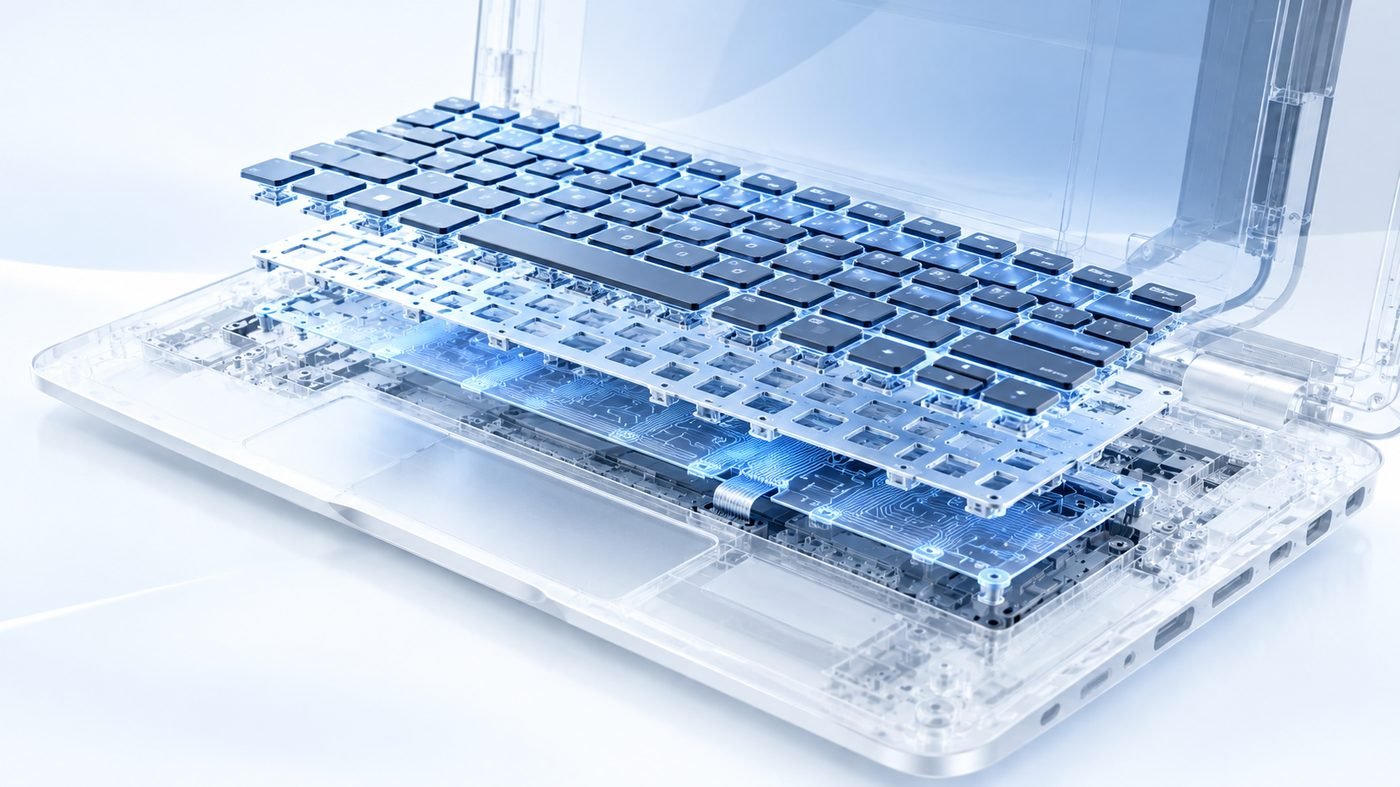
Memory type, speed, slots and maximum capacity checked for your model.

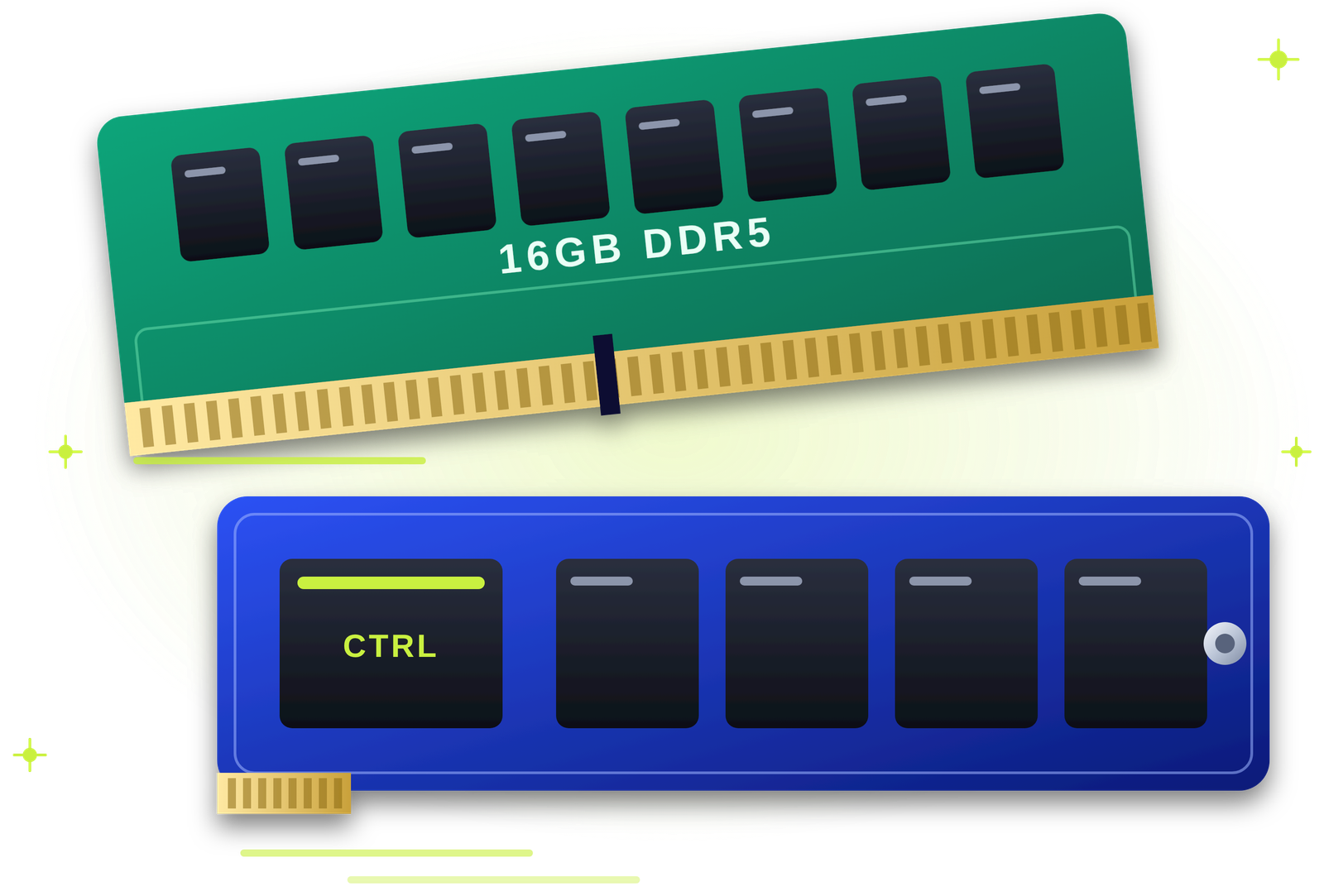
More memory. Smoother multitasking.
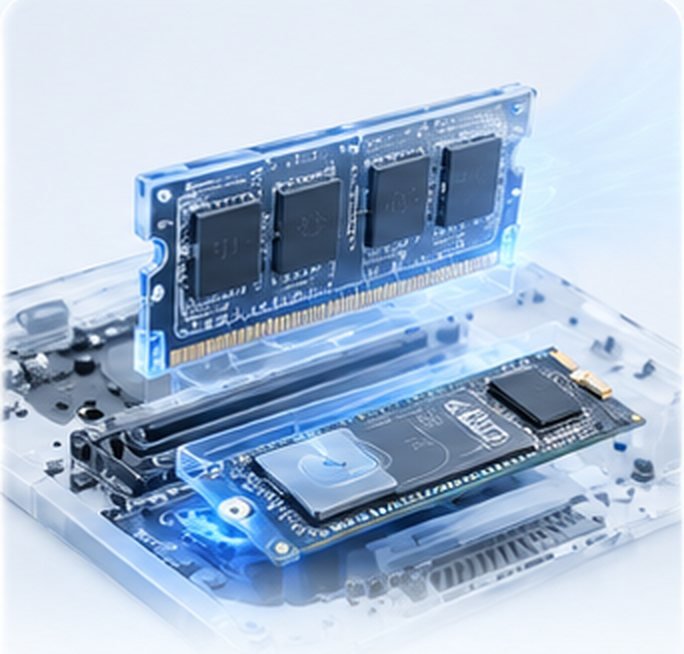
Freezing with many tabs, slow apps or low-memory warnings? Our engineers check what your laptop or desktop supports, fit the right DDR4 or DDR5 memory at your door and test it before you pay.
Tick what you notice. Three or more usually mean extra RAM will help.
Choose the signs you notice and we will tell you what they usually mean.
Software keeps growing while memory stays the same. These are the usual reasons.
We check compatibility first, so every module fits and works.
Memory type, speed, slots and maximum capacity checked for your model.
SO-DIMM memory added or swapped for a bigger module.
DIMM memory added to free slots or replaced in pairs.
The right generation and speed for your board.
Matched pairs fitted for the best memory speed.
Failing modules found with a memory test and replaced.
Blue screens and crashes traced to RAM or something else.
Unseated or wrong modules fixed.
Faster memory for smoother gameplay.
Several computers upgraded in one visit.
Both upgrades in one visit for the biggest speed jump.
Memory speed profiles set correctly.
Common patterns only. A short check confirms what will help.
| What you see | What it usually means |
|---|---|
| Freezes with many tabs | Not enough RAM for how you work. |
| Memory use above 80 percent | A RAM upgrade will help. |
| Disk at 100 percent, RAM free | The drive is the bottleneck. An SSD helps more. |
| Blue screens mentioning memory | A faulty module. A memory test confirms it. |
| Only part of the RAM detected | A slot, module or system limit. |
| Beeps after adding RAM | Wrong type or not seated properly. |
| Games stutter on low settings | Low or single-channel memory. |
If the processor is still fine, more RAM is usually the smarter choice.
| RAM upgrade (QUICKZY) | Buying a new computer | |
|---|---|---|
| Cost | A fraction of a new device. | The full price of a new machine. |
| Speed gain | Smoother multitasking straight away. | Fastest, at the highest cost. |
| Your setup | Nothing changes; everything stays as it is. | Move files and apps yourself. |
| Time | Usually under 30 minutes. | Shopping, setup and transfer. |
| Warranty | 3-month warranty from QUICKZY. | Manufacturer warranty. |
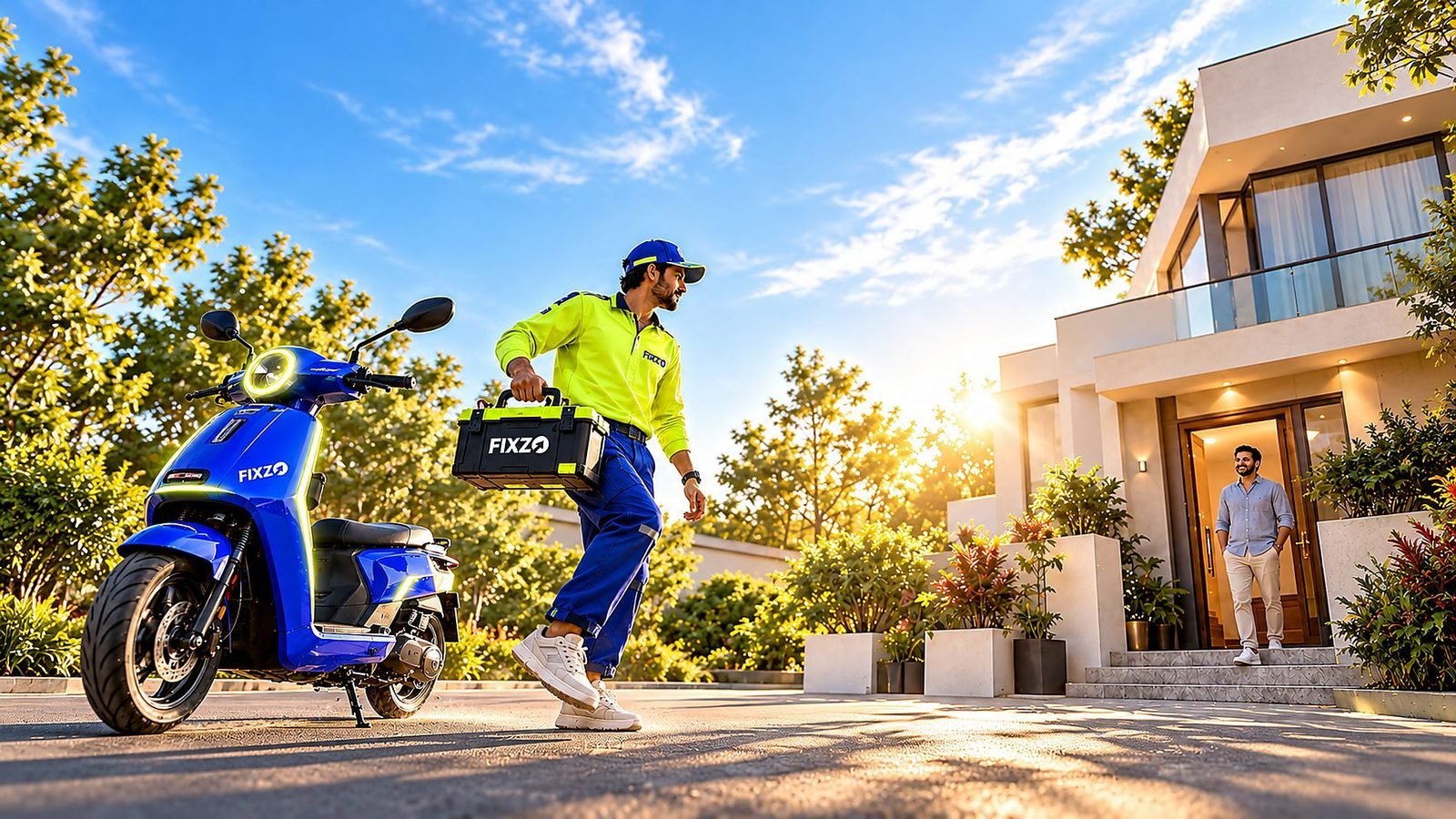
Pay the fixed ₹199 visiting charge. A verified engineer arrives in about 30 minutes and checks your memory type, slots and maximum capacity.
You see an itemised quote that lists the memory type, capacity and labour. Nothing starts until you approve.
The engineer fits the RAM in front of you and sets the right speed in the BIOS.
We run a memory test and check speed with you. You pay after the test and a 3-month warranty card is saved in the app.
Starting prices in Pune. The final price depends on the capacity and type, and you approve the quote first.
The engineer checks your memory type, slots and the maximum your computer supports.
Only the ₹199 visiting charge is fixed. Other prices are starting prices or quoted after the check, because they depend on your device and the work needed.
Browse by category. Every service is priced the same way: a fixed visiting charge, then a clear quote with starting prices.
Verified field engineers, a chip-level lab and a care desk work as one team, so the right memory is chosen at your door and fitted fast, with every step explained.
These are the six factors behind your quote, on top of the starting price.
Looking for a RAM upgrade in Pune, laptop RAM upgrade near me or a way to stop your computer freezing? QUICKZY brings the upgrade to your home or office. A verified engineer checks what your laptop or desktop supports and fits the right memory in front of you.
RAM is your computer's working memory. When it runs out, Windows swaps to the drive and everything slows down. Moving from 8 GB to 16 GB, or adding a matching stick for dual-channel, often makes the biggest difference for browsers, Office, Tally, video calls and light editing.
We upgrade DDR4 and DDR5 memory in HP, Dell, Lenovo, Asus, Acer and MSI laptops and in branded or assembled desktops. Some thin laptops have soldered memory; we tell you honestly before you spend anything.
QUICKZY is independent and not linked to any brand. Names identify devices only.
Plain answers on how much memory you need and what fits.
For everyday browsing and Office, 8 GB is the minimum today and 16 GB is comfortable. Designers, coders, video editors and gamers benefit from 16 to 32 GB.
Laptops vary. Some have two slots, some one, and some have memory soldered to the board. We check your exact model before buying parts.
If your computer still uses a hard disk, an SSD usually helps more. If you already have an SSD and it freezes with many apps, add RAM. We check which bottleneck you have.
Two matching sticks run in dual-channel mode, which is faster than one larger stick. Where possible, we fit memory in pairs.
Frequent requests by brand. QUICKZY is independent and not affiliated with them.
| Brand | Popular series | Common requests |
|---|---|---|
| HP | Pavilion, Victus, ProBook, ProDesk | 8 GB to 16 GB, dual-channel |
| Dell | Inspiron, Vostro, Latitude, OptiPlex | RAM upgrades, faulty module swaps |
| Lenovo | IdeaPad, ThinkPad, Legion, ThinkCentre | Memory limits checked, 16 GB upgrades |
| Asus | VivoBook, TUF, ROG | Gaming RAM upgrades |
| Acer | Aspire, Nitro, Predator | Second stick for dual-channel |
| MSI | Katana, Modern, gaming PCs | DDR5 upgrades |
| Assembled PCs | Office and gaming builds | Desktop RAM in pairs |
The jargon, translated into simple words.
Live today: Karve Nagar, Warje, Bavdhan, Magarpatta, Wagholi, Viman Nagar, Sus, Kharadi, Chinchwad, Akurdi, Shivaji Nagar, Hadapsar, Aundh, Pimple Saudagar, Kothrud, Wakad, Pimpri-Chinchwad, Pashan, Baner, Balewadi, Undri, Kondhwa, Koregaon Park, Hinjewadi, Deccan, Sinhagad Road, Nigdi and almost entire Pune.
Coming soon: Mumbai, Navi Mumbai, Thane, Nashik, Nagpur, Delhi NCR, Bengaluru, Hyderabad, Chennai, Kolkata and more. Join the waitlist.
Our engineers bring the right memory to your home or office.
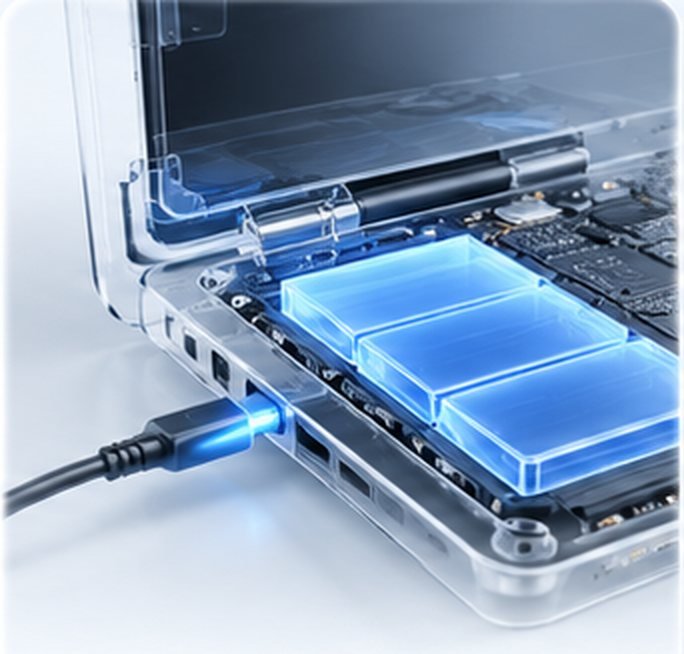
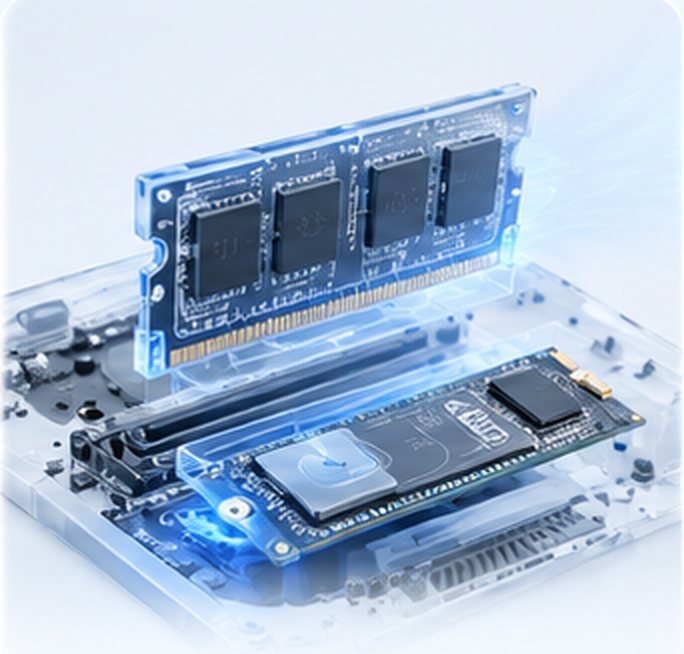

If you run out of memory, yes. Multitasking, browsers and heavy apps become smoother. If the drive is the bottleneck, an SSD helps more.
RAM upgrades start from ₹1,299 after the fixed ₹199 visit. The price depends on capacity, type and your model, and you approve the quote first.
Most can. Some thin laptops have soldered memory. We check your model and tell you before you spend anything.
8 GB is the minimum for everyday use today, 16 GB is comfortable, and editing or gaming benefits from 16 to 32 GB.
It depends on your computer. They are not interchangeable, so we match the type your board supports.
Yes. We upgrade branded and assembled desktops, ideally in matched pairs.
No. RAM does not store your files, so nothing changes.
Usually under 30 minutes once the right module is available.
Most recent MacBooks have soldered memory. We check your model and advise honestly.
Yes. It usually means the wrong type or a module not seated properly.
Yes. Our work carries a 3-month warranty, saved in the QUICKZY app.
We serve almost all of Pune and Pimpri-Chinchwad.
More than
Customers served
Skip the commute. Get professional repair
at home or at work.
Book in seconds, track your engineer live and approve estimates from your phone.
Pick the device. We'll send an engineer who specialises in it.
No match. Pick Not sure and the engineer will diagnose it.